> ## Documentation Index
> Fetch the complete documentation index at: https://docs.bluprynt.com/llms.txt
> Use this file to discover all available pages before exploring further.
# Compliance Explorer
> Search the public record of tokenized assets, their issuers and their evidence.
[Compliance Explorer](https://explorer.bluprynt.com) is the public face of the Bluprynt record. Search an asset, issuer or regulator and see what's verified, what's disclosed and where each fact comes from.
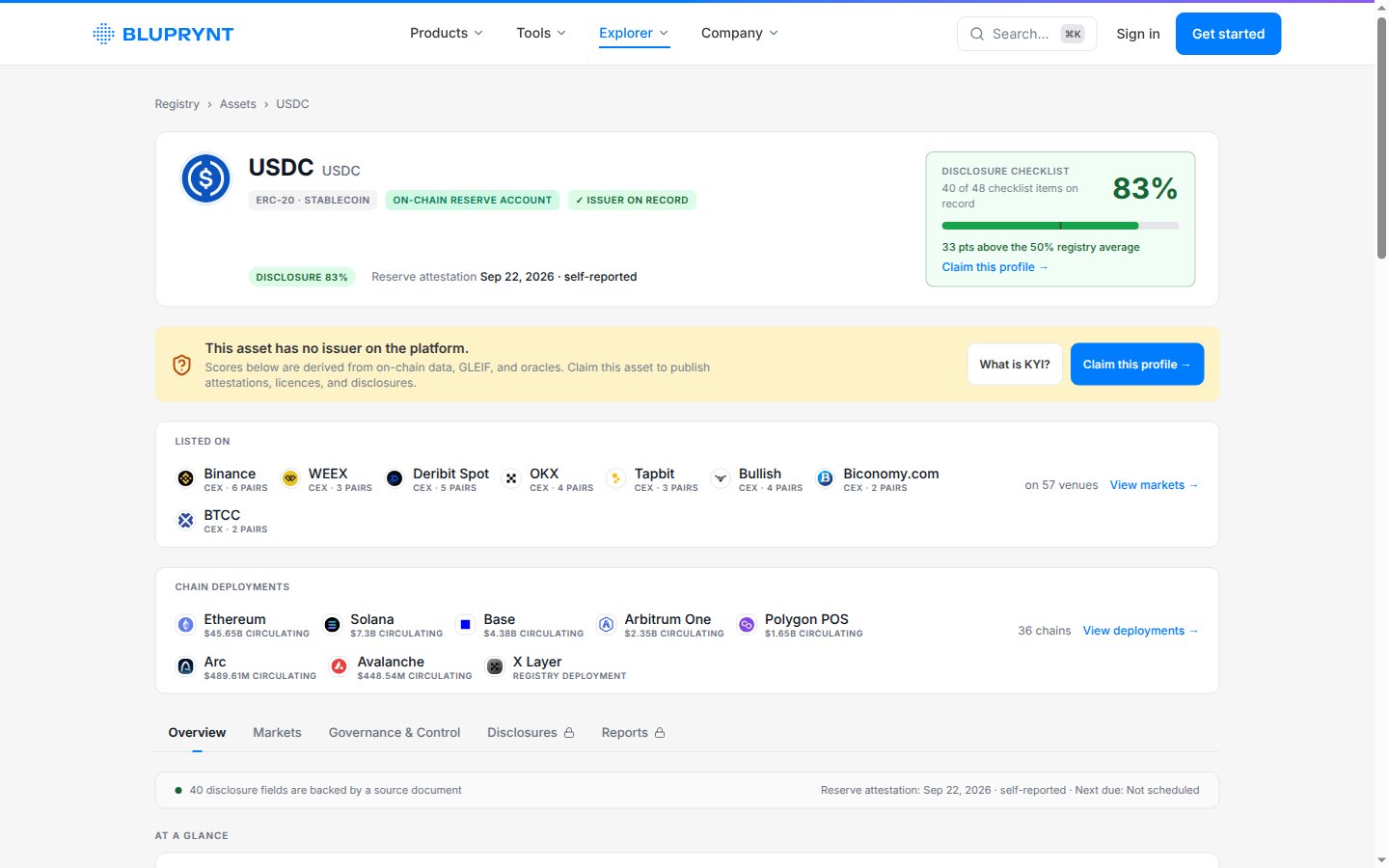 ## What an asset page shows
| Section | What you see |
| - | - |
| **Header** | Asset type, status tags such as **Issuer on record**, and the latest reserve attestation. |
| **Disclosure checklist** | How many checklist items are on record, as a percentage, against the registry average. |
| **Listed on** | The venues trading the asset and their pairs. |
| **Chain deployments** | Every chain the asset is deployed on, with circulating supply. |
| **Tabs** | **Overview**, **Markets** and **Governance & Control** are open to everyone. **Disclosures** and **Reports** need a signed-in account. |
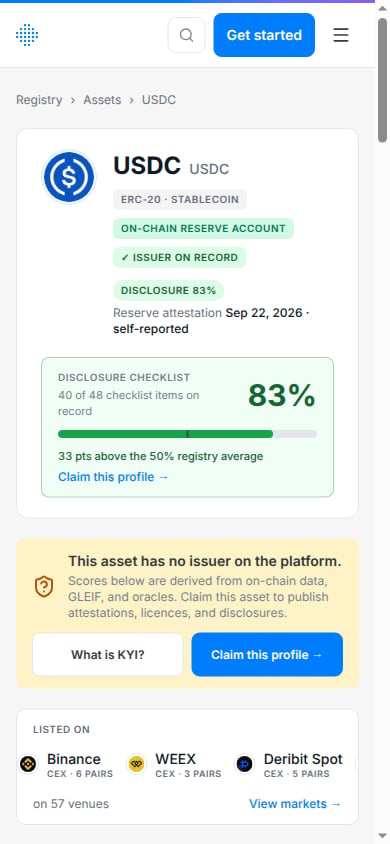
If an asset has no verified issuer yet, the page says so and offers **Claim this profile**. Claiming starts [KYI](/tools/kyi) in [Bluprynt Passport](/passport/verify-asset).
## What an asset page shows
| Section | What you see |
| - | - |
| **Header** | Asset type, status tags such as **Issuer on record**, and the latest reserve attestation. |
| **Disclosure checklist** | How many checklist items are on record, as a percentage, against the registry average. |
| **Listed on** | The venues trading the asset and their pairs. |
| **Chain deployments** | Every chain the asset is deployed on, with circulating supply. |
| **Tabs** | **Overview**, **Markets** and **Governance & Control** are open to everyone. **Disclosures** and **Reports** need a signed-in account. |
If an asset has no verified issuer yet, the page says so and offers **Claim this profile**. Claiming starts [KYI](/tools/kyi) in [Bluprynt Passport](/passport/verify-asset).
 ## Directories
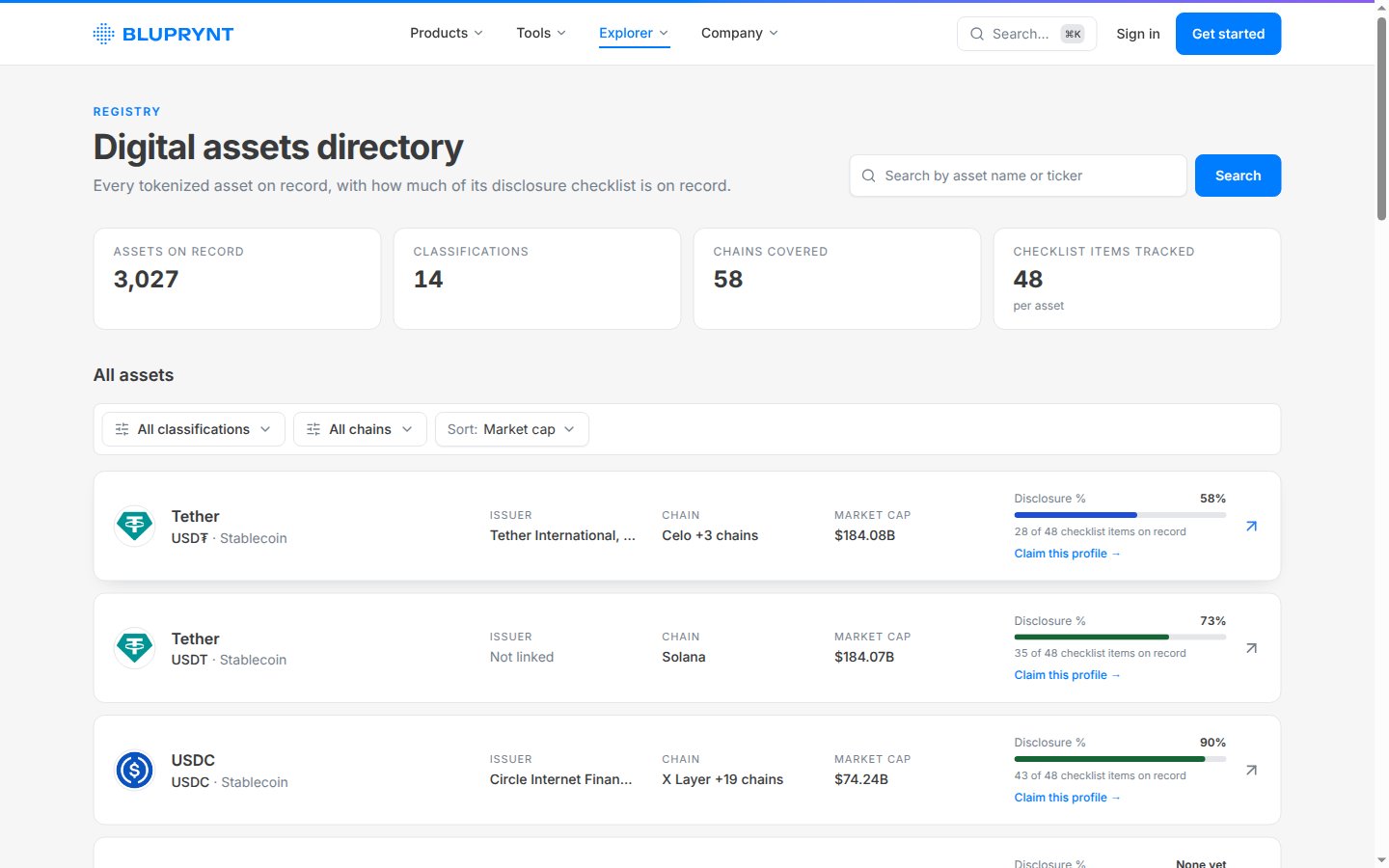
Browse [assets](https://explorer.bluprynt.com/assets), [issuers](https://explorer.bluprynt.com/issuers), [regulators](https://explorer.bluprynt.com/regulators) and [protocols](https://explorer.bluprynt.com/protocols).
## Directories
Browse [assets](https://explorer.bluprynt.com/assets), [issuers](https://explorer.bluprynt.com/issuers), [regulators](https://explorer.bluprynt.com/regulators) and [protocols](https://explorer.bluprynt.com/protocols).
 This documentation is built and hosted on [Mintlify](https://mintlify.com), a developer documentation platform.