> ## Documentation Index
> Fetch the complete documentation index at: https://docs.bluprynt.com/llms.txt
> Use this file to discover all available pages before exploring further.
# Know Your Issuer
> Cryptographic proof that a token was issued by a verified organization.
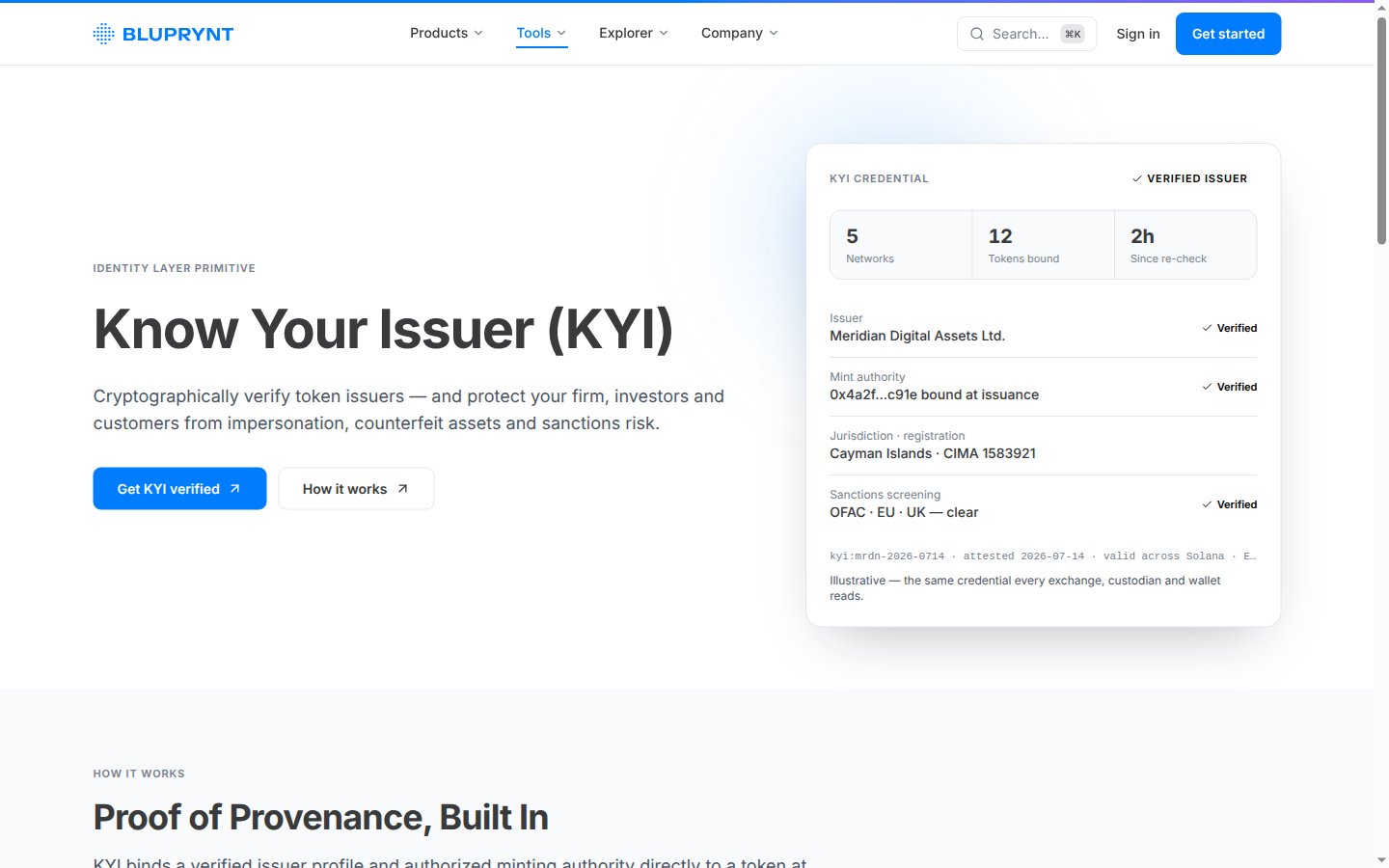
Know Your Issuer (KYI) binds a token to the verified organization that issued it. Exchanges, custodians and wallets read the same credential, so nobody relies on screenshots or self-reported claims.
 ## How it works
1. The issuer passes a **KYB** check on its legal entity.
2. Bluprynt finds the token on-chain and reads the wallets with authority over it.
3. The issuer signs with each wallet to prove control.
4. The asset gets the **KYI Verified** credential, and its public record shows the verified issuer.
## What it protects against
* **Impersonation**: a look-alike token claiming a real issuer.
* **Counterfeit assets**: a token with no verified issuer behind it.
* **Sanctions risk**: KYI supports screening of the issuer behind each asset.
## Use it
In Bluprynt Passport.
Run KYI in your own app.
Check an asset's issuer.
This documentation is built and hosted on [Mintlify](https://mintlify.com), a developer documentation platform.
## How it works
1. The issuer passes a **KYB** check on its legal entity.
2. Bluprynt finds the token on-chain and reads the wallets with authority over it.
3. The issuer signs with each wallet to prove control.
4. The asset gets the **KYI Verified** credential, and its public record shows the verified issuer.
## What it protects against
* **Impersonation**: a look-alike token claiming a real issuer.
* **Counterfeit assets**: a token with no verified issuer behind it.
* **Sanctions risk**: KYI supports screening of the issuer behind each asset.
## Use it
In Bluprynt Passport.
Run KYI in your own app.
Check an asset's issuer.
This documentation is built and hosted on [Mintlify](https://mintlify.com), a developer documentation platform.