

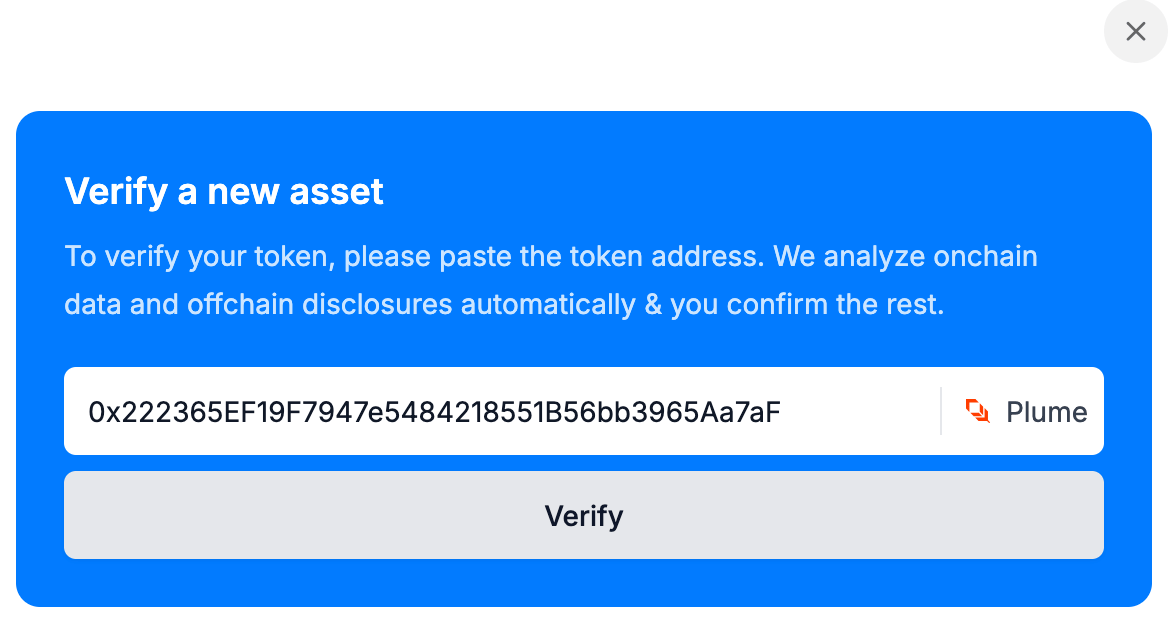
The widget verifying an asset.
Before you start
Send your Bluprynt representative every origin that will embed the widget, such ashttps://app.example.com and http://localhost:3000. You get back a partner ID and a SECRET_KEY. The widget only loads on allowlisted origins; scheme, host and port must match exactly. The server helper needs Node.js 18 or later.
1
Mint a token on your server
server.ts
2
Open the widget
The widget slides in from the right as a drawer. Mint a fresh token each time you open it.
app.ts
3
Pick a scope